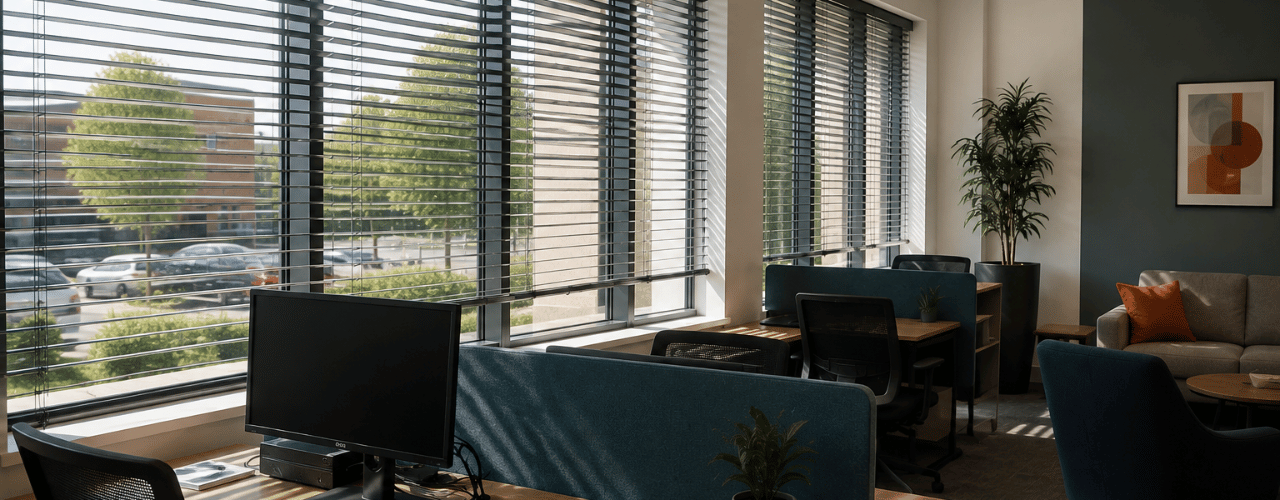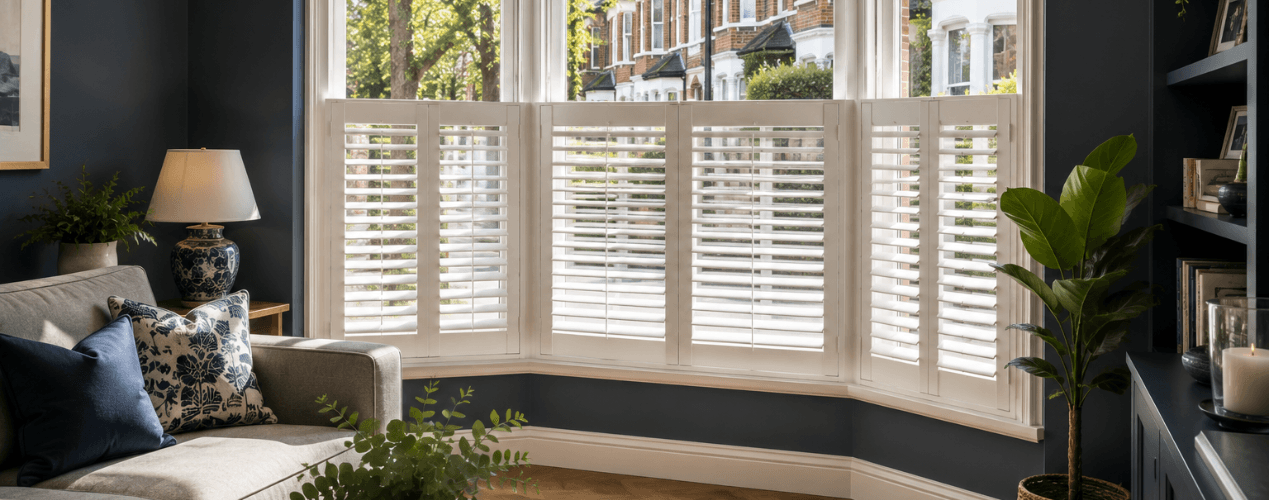
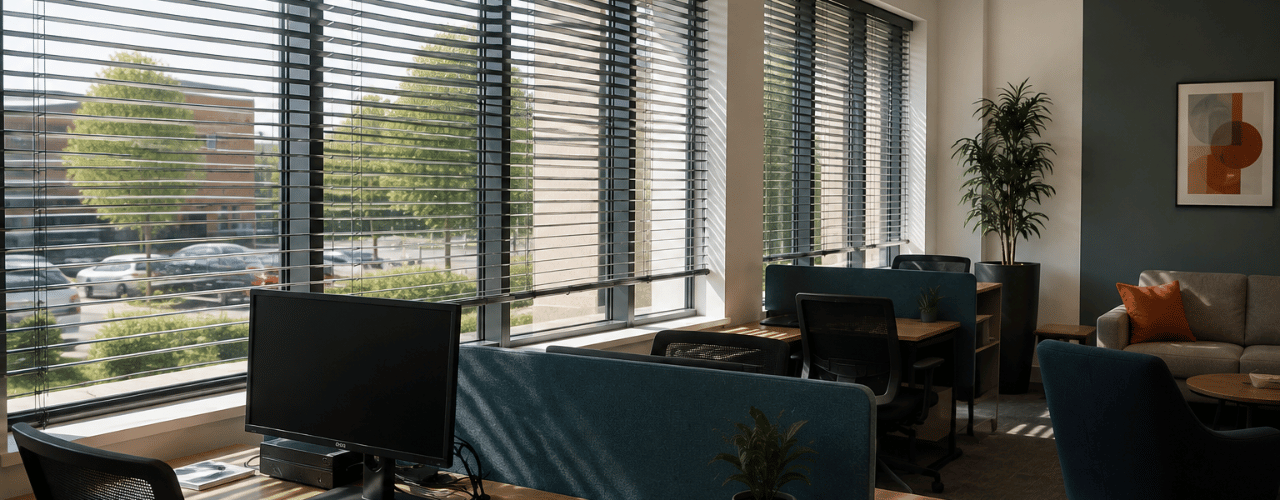
Office blinds can help reduce screen glare in hybrid workspaces by controlling direct sunlight and reflections while retaining useful daylight. If staff move laptops, change desks or close blinds fully just to see their screens, the workspace needs more flexible light control. A practical approach is to match the blinds to screen positions, window orientation and how staff use each area.
The Health and Safety Executive (HSE) identifies reflections from directional light on display screens as a potential source of glare and lists blinds among the measures that can help control it. Excell Blinds supplies made-to-measure blinds for commercial premises across the North West and can assess the windows and working layout before recommending suitable options.
Why Is Screen Glare Harder to Control in a Hybrid Office?
With fixed workstations, teams can position screens around a fairly consistent desk layout. Hybrid working can make that relationship less predictable, particularly where people move between desks and shared spaces. Sunlight changes through the day too. A window can provide comfortable daylight in the morning and create reflections across several screens later. Moving a monitor or changing its angle can sometimes reduce glare. HSE guidance recommends arranging screens and lighting to avoid reflections. Office blinds with adjustable slats or louvres can then provide more flexible light control as conditions change.
Can Office Blinds Reduce Screen Glare Without Making the Workplace Too Dark?
Yes. Good glare control does not always require you to block all daylight from the window. Adjustable slatted blinds can redirect incoming light, while a roller blind can cover more of the glazed area when stronger shading is useful. The aim is to control the light causing the problem without making the whole area darker than it needs to be. That balance matters in spaces that switch between screen work and other tasks during the day.
Can Blinds Help Control Glare on Display Screen Equipment?
Yes. Blinds can form part of a practical plan for controlling reflections and glare around display screen equipment. HSE guidance explains that directional light can reflect from display screens and cause glare, and it lists blinds among the possible control measures.
Blinds cannot solve every display-screen issue on their own. Desk position, monitor angle and artificial lighting can also affect screen visibility. Useful site checks include when glare appears, which screens it reaches and how the problem changes through the day. Those checks help a business choose office blinds for the glare problem rather than appearance alone.
Which Areas of a Hybrid Office Need Different Levels of Glare Control?
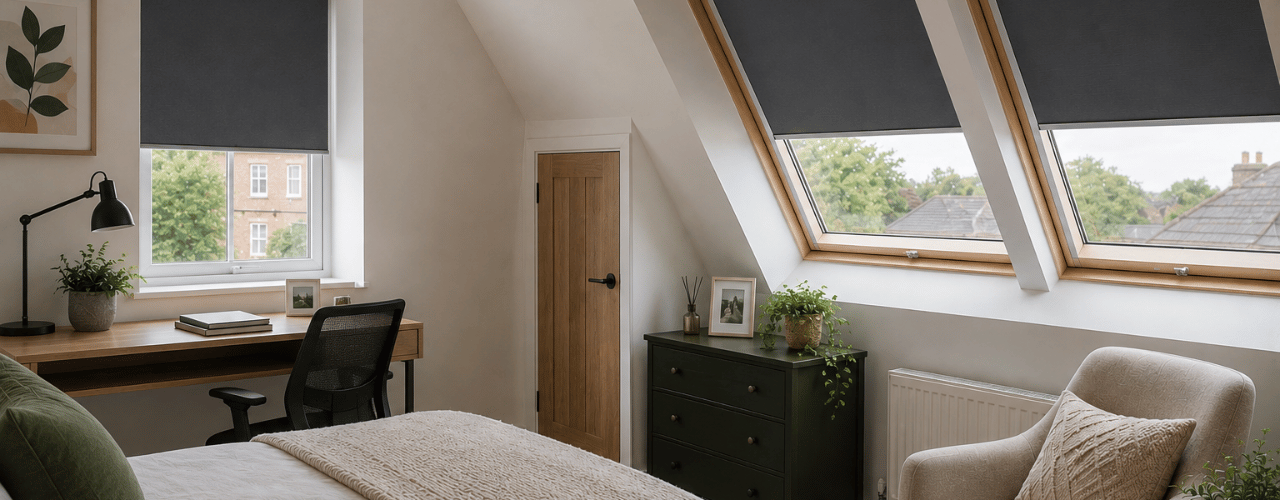
Hot-desking can benefit from adaptable light control because different people use the same desk with different laptops and screen positions. Vertical or Venetian blinds can help where users need to redirect light as glare shifts across the room. Meeting rooms can switch quickly between normal daylight and screen-based tasks. Roller blinds can suit rooms that need broader window coverage, but the fabric should still match the amount of light the room needs during everyday use.
Reception areas, private offices and breakout spaces may need different levels of glare control and privacy. That is why office blinds should follow the office layout rather than repeat one setup at every window. Coordinated finishes can still keep the overall scheme consistent. If glare is already affecting screens in your workplace, arrange a commercial site visit to discuss where better light control is needed.
Does Window Direction Affect Office Screen Glare?
Yes. Window orientation affects when direct sunlight reaches the workspace, but screen position, nearby buildings and glazing size can also influence where glare appears. On a long glazed elevation, the problem may move from one group of desks to another as the sun changes position.
Which Office Blinds Are Best for Controlling Screen Glare?
No single blind type suits every office. Vertical blinds can work well where users need to redirect light, while Venetian blinds offer fine adjustment through tilting slats. Roller blinds provide broader coverage, with the fabric affecting how much incoming light reaches the room. Motorised blinds can make regular adjustment more practical on large, numerous or hard-to-reach windows. Excell Blinds can confirm suitability for the installation. Product choice starts with a practical question: what does this window need to do?
What Should Office Managers Consider Before Choosing Workplace Blinds?
Choosing office blinds starts with how the workplace functions, not with a fabric sample or preferred style. For a glare problem, note the desk and display positions, the direction and size of the glazing, when the glare appears and how much privacy each area needs.
Access matters too. Manual operation can work well beside an individual workstation, while large or hard-to-reach glazing may call for another operating method. Project-specific fire, safety or building requirements may also affect the choice.
How Does Professional Measuring Help With Made-to-Measure Commercial Blinds?
A commercial site survey does more than confirm the width and drop. It can include checks on the fixing position, available space and practical operating method before the blinds are ordered. Excell Blinds supplies made-to-measure blinds and shutters to commercial organisations across the North West. During a site visit, the team can assess the required level of light control and recommend suitable options. For a hybrid office, that process helps match office blinds to the real layout and day-to-day use of the space.
Workplace Blinds Should Work With the Way People Use the Space
Different parts of a hybrid office can need different levels of glare control. A practical solution starts with the windows, screens and tasks in each working zone. The right office blinds can help control troublesome sunlight and reflections while keeping useful daylight where the workspace needs it.
Excell Blinds can assess your commercial windows, measure the openings and help you compare suitable options for the way your workplace operates. Arrange a commercial site visit to discuss made-to-measure blinds for your workspace.
Frequently Asked Questions
Can Blinds Be Fitted in a Rented or Leased Office?
They can be suitable for rented commercial premises, but the business should check its lease and any landlord restrictions before approving fixings or alterations. A site survey can then confirm suitable fixing options for the existing windows.
Can New Commercial Blinds Be Fitted to Existing Office Windows?
Often, yes. The frame, recess, opening method and available fixing space can affect the choice, so the windows should be assessed before a blind type is confirmed.
How Do Window Handles, Vents and Deep Sills Affect Blind Fitting?
Handles, vents and projecting sills can affect the fixing position and the clearance a blind needs. These details should be checked before the final dimensions and operating method are confirmed.
Do Commercial Blind Fabrics Need Fire-Retardant Performance?
Not every commercial space needs the same fabric specification. Fire-performance requirements depend on the premises, the fire risk assessment and any project-specific standards, so businesses should confirm the required performance before choosing the fabric.